
How to Make Photo Tiles: Easy DIY & Mixtiles Options
Key Takeaways
- You can make photo tiles two ways: a hands-on DIY picture tiles method or the fast Mixtiles route for instant wall art;
- This guide explains materials, steps, sealing, and how to hang picture tiles without nails for a clean, renter-friendly display;
- Mixtiles turns your photos into restickable, custom photo tiles in minutes with precise cropping and free worldwide shipping;
- Choose DIY for a rustic, handmade look, or choose Mixtiles for consistent quality, speed, and free shipping.
Searching how to make photo tiles? You have options. If you love crafting, a DIY approach using a tile, Mod Podge, and a printed image can look great with a little patience. If you prefer a clean, professional finish without tools, Mixtiles turns your photos into peel and stick photo tiles that you can reposition anytime. Below, learn both methods, hanging tips, and how to pick the best path for your home and timeline.
Short on time? Create stunning photo tiles in minutes with Mixtiles. Our peel and stick wall decor arrives ready to hang, with free worldwide shipping.
What are photo tiles, and which method is right for you?
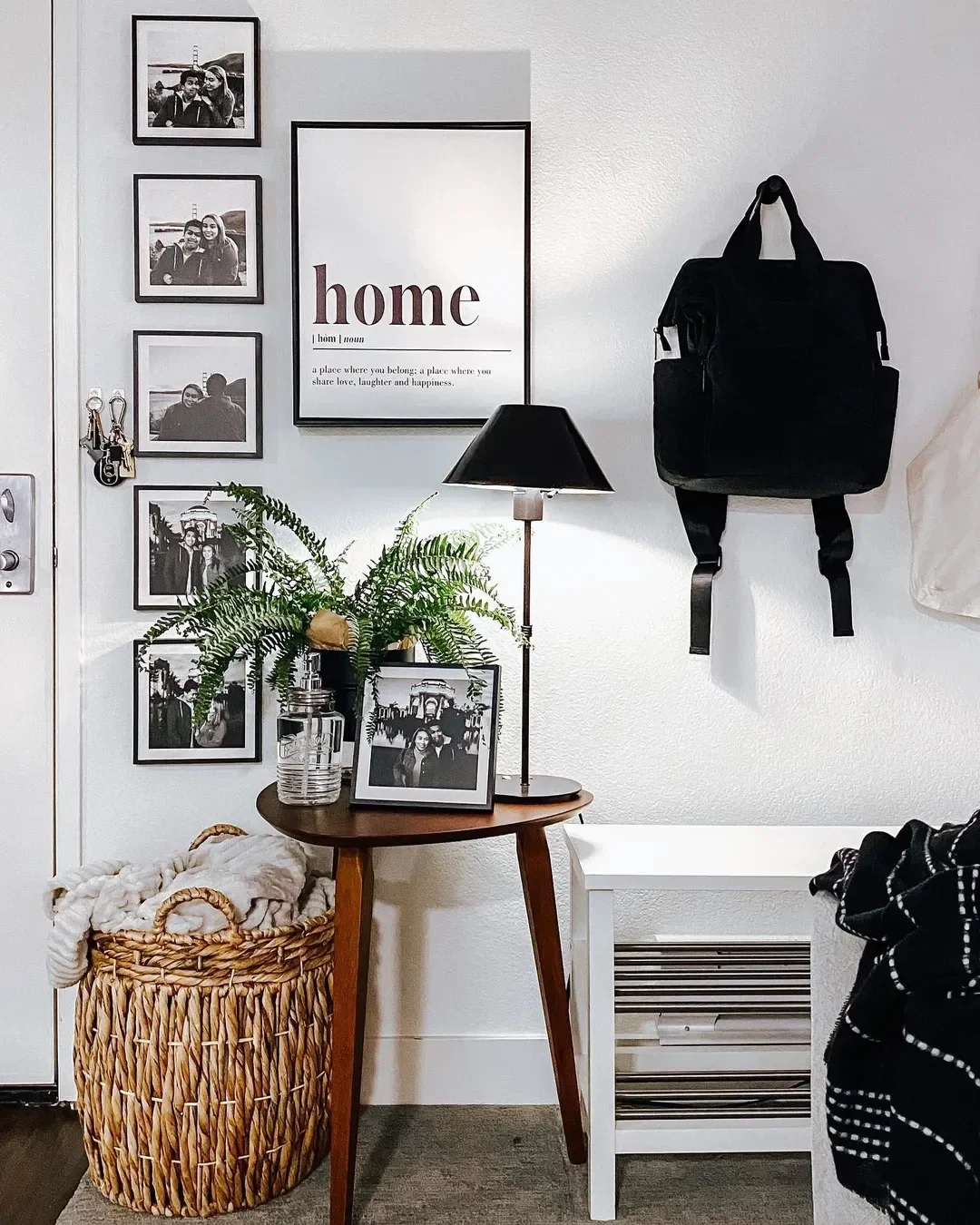
Photo tiles are lightweight pieces of wall art that showcase your favorite photos in a modern square or rectangle. DIY photo tiles give you a charming, handmade finish that may vary from tile to tile. Mixtiles provide precise printing, built-in adhesive, and an easy way to hang or move images without damage.
If you want quick, consistent results, Mixtiles are ideal. If you want to craft, DIY can be fun and budget friendly.
How to make photo tiles at home (step-by-step)
You can make a photo tile by attaching a printed picture to a ceramic or stone tile, then sealing the surface and mounting it with removable squares. Here is the process.
Materials you’ll need

Gather the essentials before you begin so each step goes smoothly:
- Ceramic or stone tiles, commonly 4 by 4 inches;
- Printed photos sized to your tiles, matte paper reduces smudging;
- Mod Podge or similar decoupage glue;
- Foam or soft-bristle brush;
- Scissors or craft knife;
- Sandpaper or sanding block for edges (optional);
- Clear acrylic sealer for extra protection (optional);
- Mounting squares or small magnets for hanging.
Step-by-step instructions
- Prep your images: Crop to a square and resize to the tile size, go slightly larger if you plan to sand the edges flush;
- Apply adhesive: Brush a thin, even coat of Mod Podge onto the clean tile surface, work quickly;
- Place the photo: Align the picture, then smooth from the center outward to remove air bubbles without stretching paper;
- Press and set: Use a flat object, like another tile or a book, to press in one direction to push out remaining bubbles;
- Trim or sand: Remove any overhang with a craft knife or lightly sand the edges until they are even with the tile;
- Seal the surface: Brush a thin topcoat of Mod Podge over the photo and sides, let dry, add a second coat if desired;
- Optional protection: After drying, mist a clear acrylic sealer for added durability and moisture resistance;
- Hang: Use two mounting squares for small tiles, three for larger, or attach a magnet if you will place it on a fridge.
Pro tips for a polished finish
Use light, single-direction brush strokes to minimize streaks. Let inkjet prints fully cure before sealing to reduce smudging. Test one picture tile first to dial in your technique, then make a full set or even a photo gallery wall.
Want nail-free hanging with perfect alignment and easy rearranging? Order Mixtiles to build the perfect picture wall. Just peel, stick, and restick until it’s perfect.
Prefer a faster, cleaner route? Here’s how to make photo tiles with Mixtiles
Use our website or app to turn photos into custom photo tiles that arrive ready to hang. You can create one tile or a full gallery wall in minutes.
Pick your size and style
Select popular sizes like 8 by 8 inches, plus frame styles and colors that fit your space. You can also choose canvas photo prints if you want a wrapped, gallery finish that looks like painted art. Not sure which dimensions will look best on your wall? Check our canvas size chart to pick the perfect canvas size before you order.
Upload, crop, and preview
Upload from your phone, Google Photos, or iCloud. Crop, zoom, and preview each image. Build a balanced layout or try a gallery wall kit designed by our team for quick, pro-level results.
Peel, stick, and restick with no damage
Mixtiles include a built-in, wall-safe adhesive or magnet system. You can hang, adjust, and move your photo tiles again and again without nails or tools.
Want to know more? Go check our “Tips & Tutorials” video on our YouTube channel!
DIY vs. Mixtiles: Which option fits your budget, timeline, and space?
Both paths can look great. DIY may cost less per tile but takes time and practice. Mixtiles deliver consistent quality, fast setup, and easy updates when you want a new display.
|
Factor |
DIY Picture Tiles |
Mixtiles Photo Tiles |
|---|---|---|
|
Total time |
Several hours including drying |
Order in minutes, hang in seconds |
|
Cost |
Low per tile, plus supplies |
Bundle savings, free shipping |
|
Install |
Mounting squares or magnets |
Built-in adhesive or magnet system |
|
Finish |
Rustic, technique dependent |
Uniform, pro-quality print |
|
Flexibility |
Re-make tiles to update photos |
Restick and refresh layouts anytime |
How do you keep photo tiles looking great over time?
Dust gently with a dry microfiber cloth and avoid sprays. DIY picture tiles last longer when sealed and kept away from high humidity. Mixtiles thrive on flat, painted walls, and many customers also stick them to lightly textured surfaces. If you want a new look next season, simply reorder a few images or mix in canvas prints, fine art, or a wall sign for a fresh, cohesive display at home.
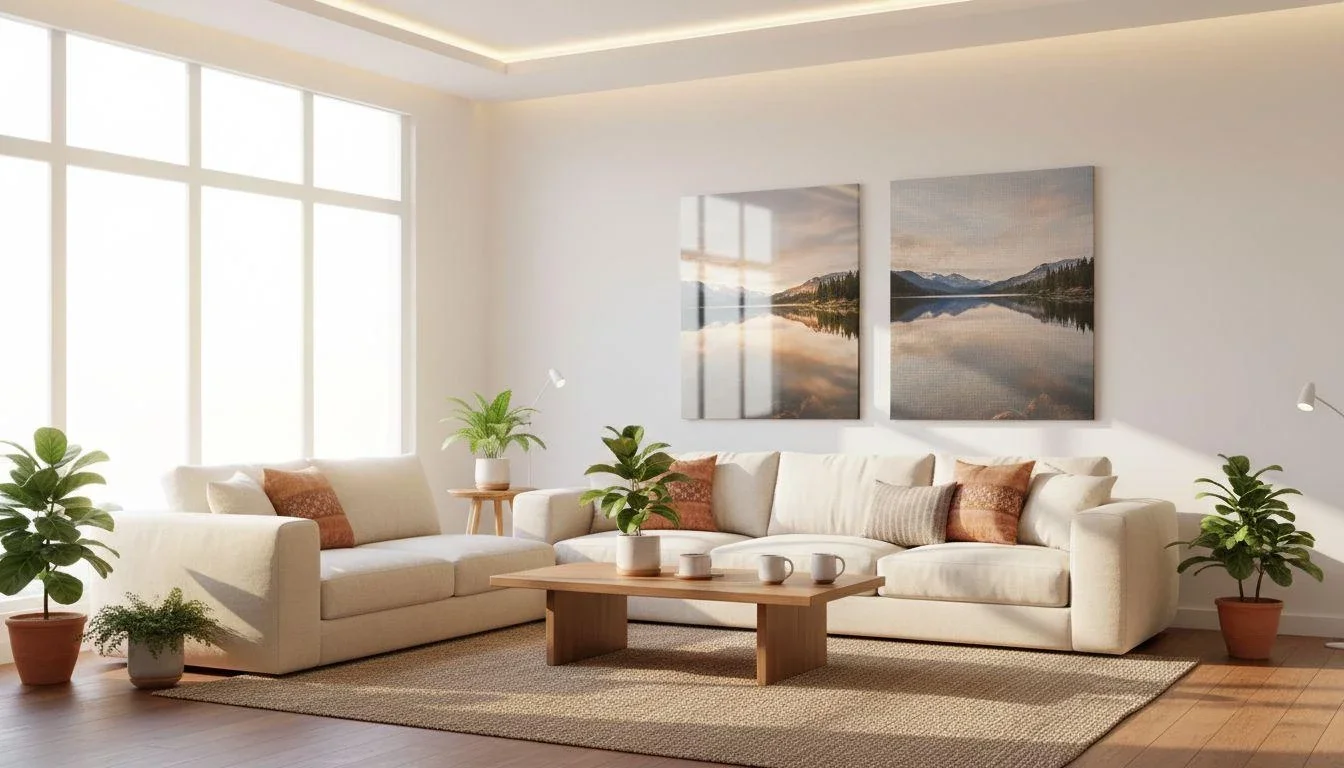
Whether you love crafting or want an instant gallery wall, there is a perfect path for how to make photo tiles. DIY delivers a charming, custom feel if you enjoy the process. Mixtiles delivers a mess free, consistent photo tile you can hang in minutes and rearrange whenever inspiration strikes. Choose your favorite photos, then create the wall art you will love to see every day.
Ready to make your wall decor the easy way? Create your picture tiles now, or explore our collection of personalized canvas prints.
Frequently Asked Questions
How do I create a tile‑ready image?
Crop your photo to a square (1:1) and export at 240–300 dpi for crisp results. Leave a small safety margin and avoid thin borders that can look uneven. Slightly brighten and sharpen, then save as a high‑quality JPG or PNG. Mixtiles handles cropping previews automatically.
What’s the best way to transfer a photo onto a ceramic tile?
Print on matte photo paper. Brush a thin coat of Mod Podge on a clean tile, place the photo, smooth bubbles from center out, and let dry. Add one to two topcoats, then seal with clear acrylic if desired. Alternatively, use waterslide transfer paper following package instructions.
How can I make and order photo tiles from my iPhone?
Install the Mixtiles app, select your photos, choose size and frame or canvas style, crop and preview, then check out. Your tiles arrive ready to peel, stick, and restick. For DIY, print the images from your iPhone to a printer and follow the Mod Podge transfer steps.

Be first to know — deals, news & decor ideas.
By clicking you agree to the Terms of Use & Privacy Policy